Appearance
Lifecycle Actions
Once a transmittal is sent, several lifecycle actions are available depending on your role and the transmittal's current state.
Video Walkthroughs
Sending Responses
Reply to transmittals with formal responses.
Sending Resubmissions
Resubmit documents after revisions.
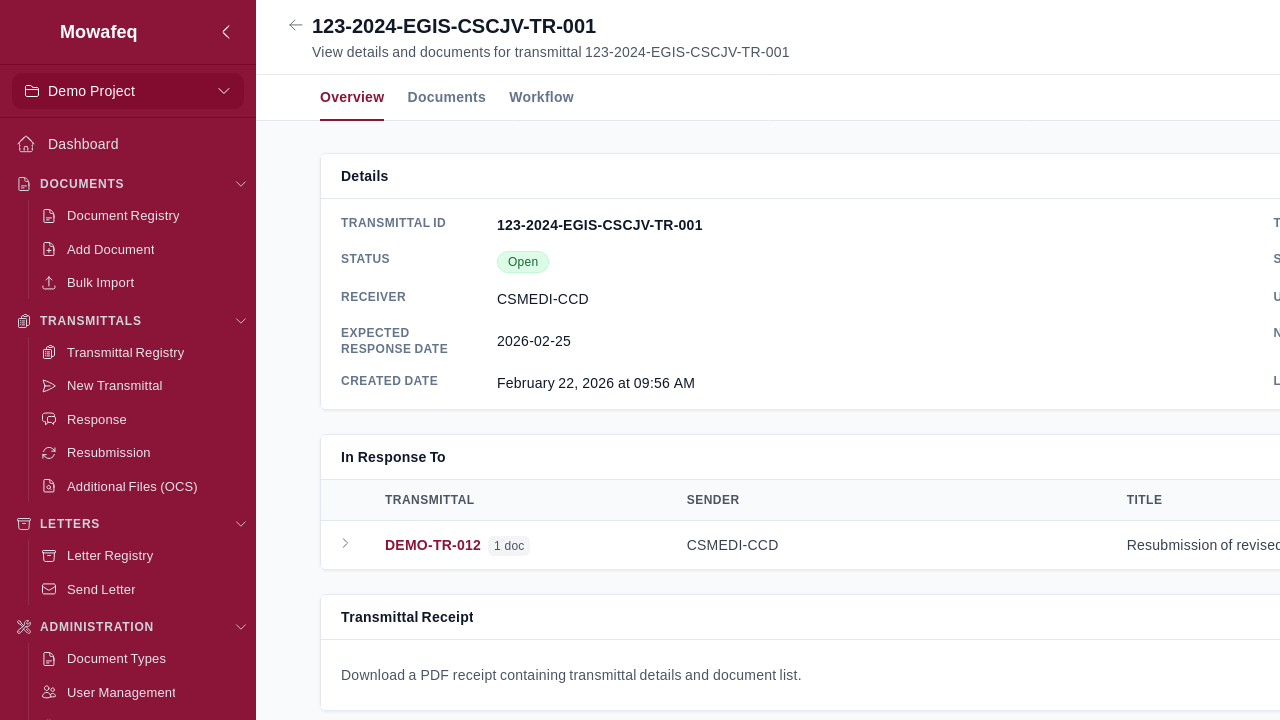
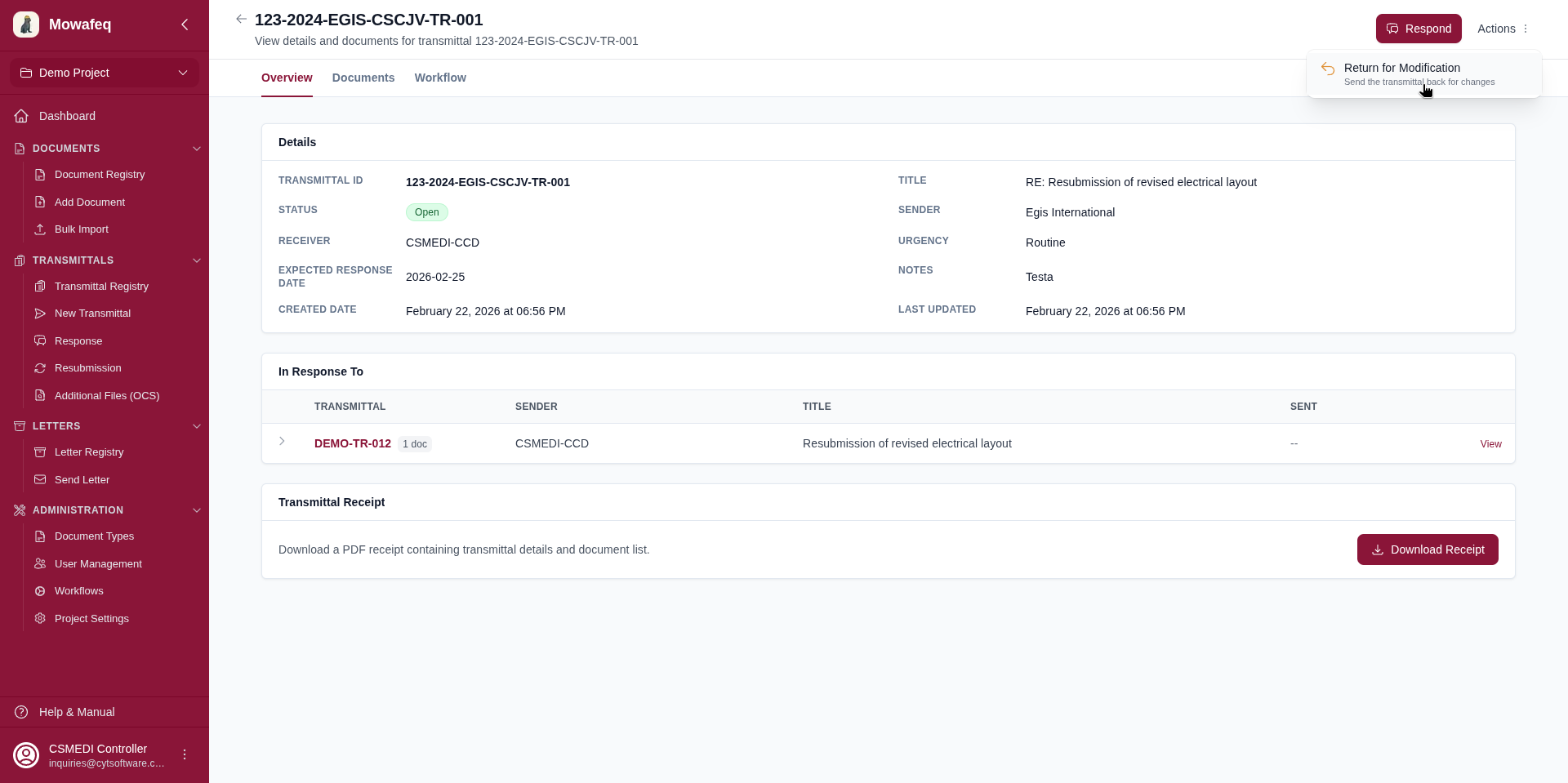
Return for Modification
Who: Receiver companies.
When available: The transmittal has no response transmittals, is not already modifiable, and is not a draft.
What it does: Makes the transmittal editable again for the sender. The sender receives an email notification with an optional comment from the receiver.
How: From the transmittal detail page, click "Return for Modification" and optionally enter a comment.
Close Transmittal
Who: Sender company (Document Controllers).
When available: The transmittal is in Active lifecycle status.
What it does: Sets the lifecycle status to Closed, makes the transmittal non-modifiable, and closes all attached documents.
How: From the transmittal detail page, click "Close" and confirm.
Supersede Transmittal
Who: Sender company (Document Controllers).
When available: The transmittal is Active and has been returned for modification (modifiable, non-draft).
What it does: Sets the lifecycle status to Superseded. Documents without approved responses are marked as superseded and closed. Documents with approved responses are closed but not superseded.
How: From the transmittal detail page, click "Supersede" and confirm.
Delete Transmittal
Who: Sender company.
When available: The transmittal is a draft or has been returned for modification, and has no response transmittals.
What it does: Permanently deletes the transmittal from the system.
How: From the transmittal detail page, click "Delete" and confirm.