Appearance
Profile & Password
User Profile
All users can manage their profile from the profile page, accessible via the user section at the bottom of the sidebar.
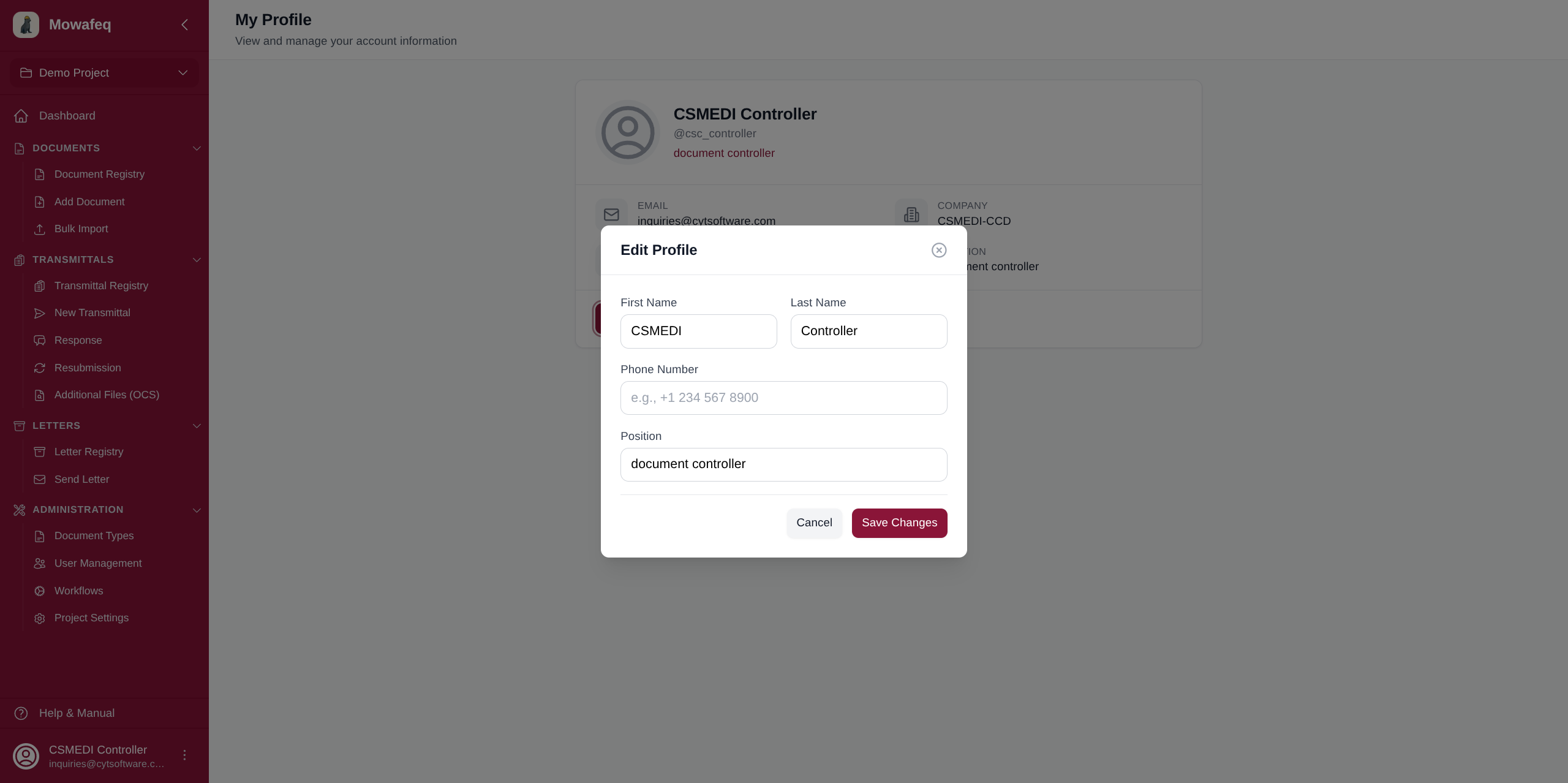
Editable fields:
- First name
- Last name
- Phone number
- Position
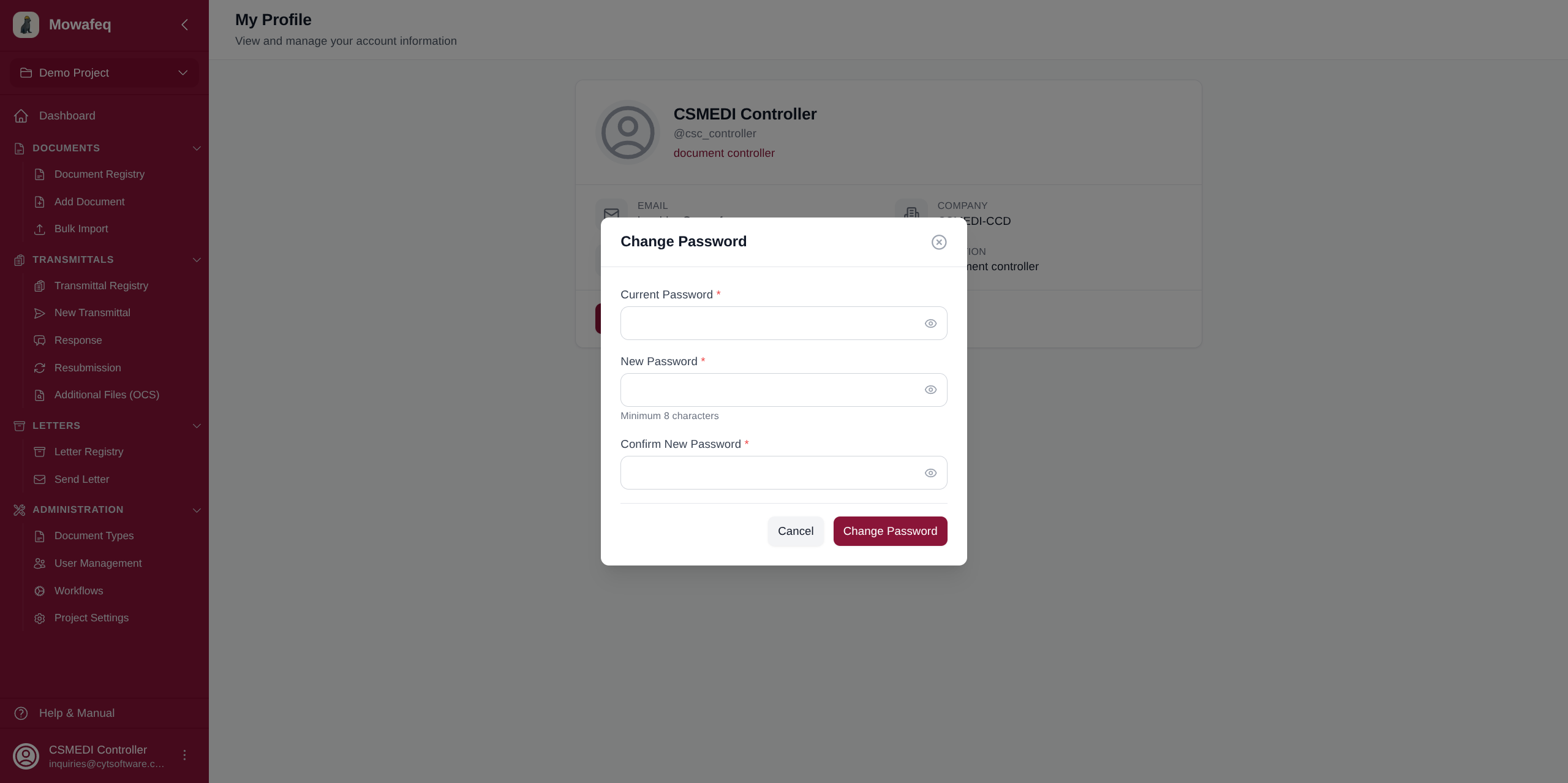
Changing Your Password
Navigate to the profile page and use the password change form. Enter your current password, then your new password. Your session is preserved after the change.