Appearance
Deleting Documents
Single Delete
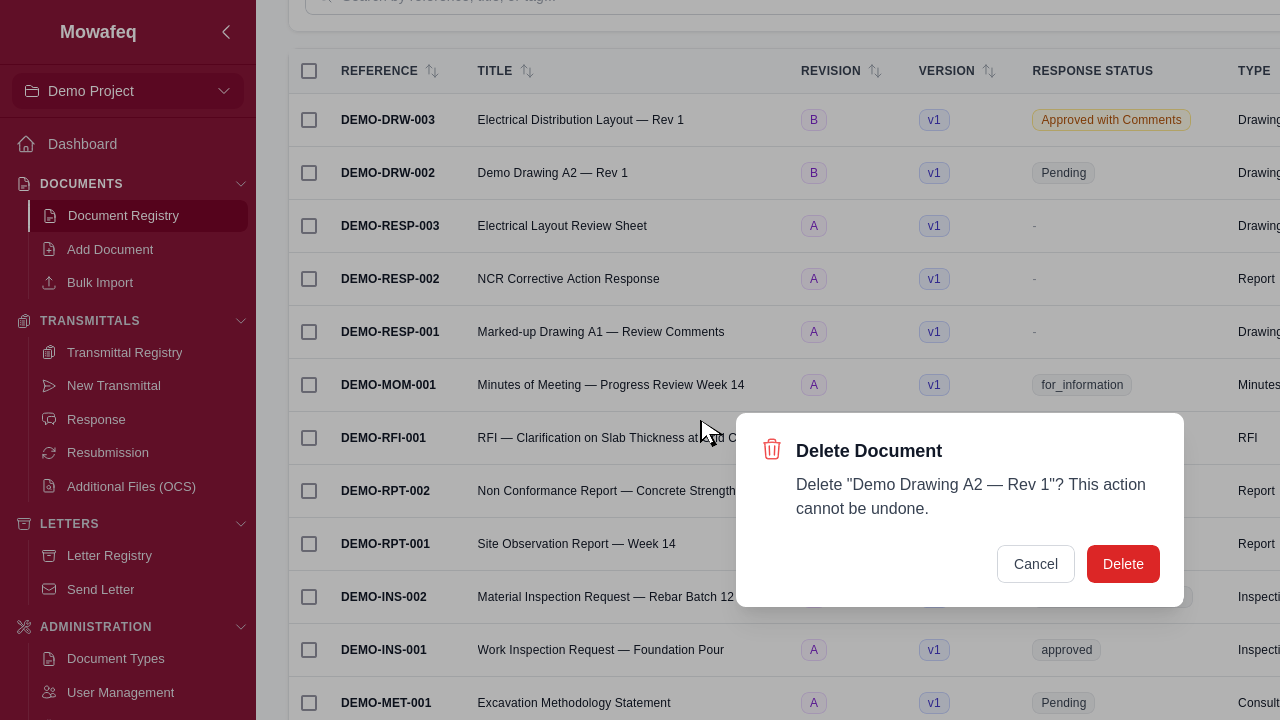
From the registry row menu or the document detail page, select "Delete". A confirmation dialog appears.
Deletion Restrictions
A document cannot be deleted if:
- It is not the current revision or version (delete the current one first).
- It is included in any transmittal.
- It has transmittal responses.
Bulk Delete
Select multiple documents using checkboxes, then click "Delete" in the toolbar. Only documents you own are eligible. Per-document failures are reported with reasons.