Appearance
Draft System
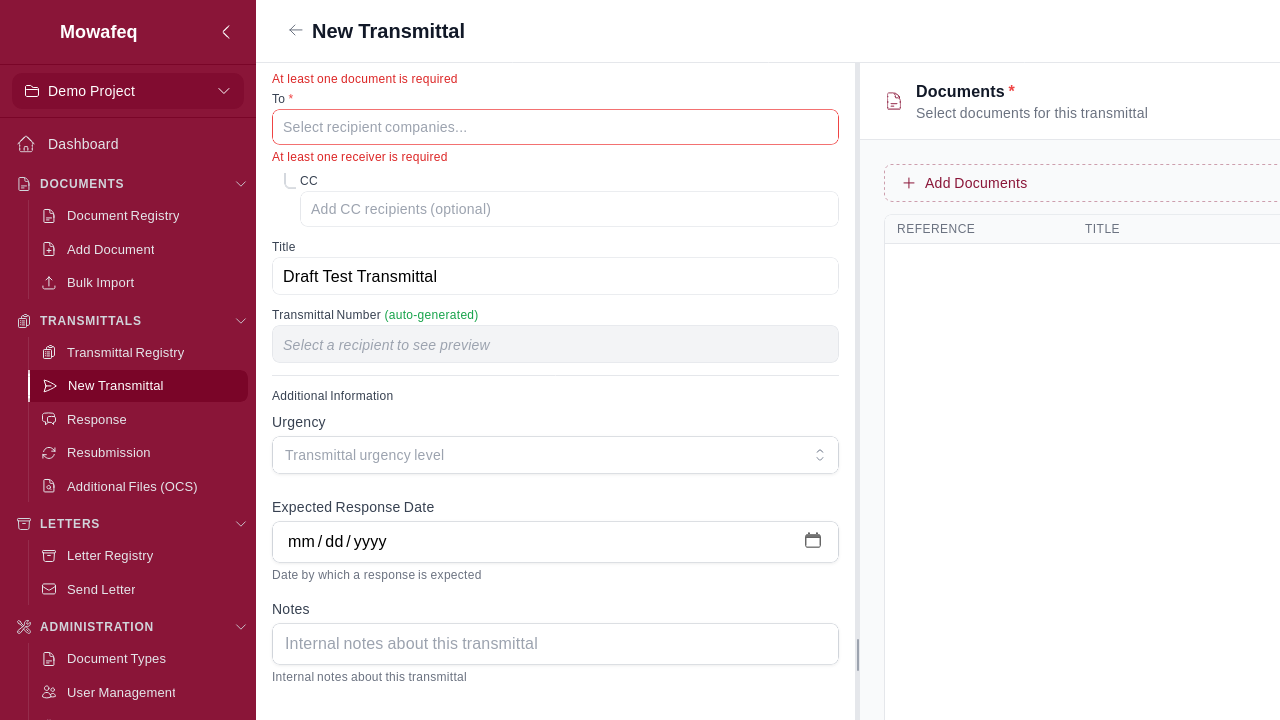
Any transmittal type can be saved as a draft before sending.
Saving a Draft
Click "Save as Draft" instead of "Send". The transmittal is assigned a temporary DRAFT number and remains fully editable.
Editing a Draft
Navigate to the draft from the dashboard Drafts tab or the transmittal registry. All fields can be modified: title, receivers, CC receivers, documents, document responses, additional files, and custom fields.
Sending a Draft
From the draft's detail page, click "Submit". The system:
- Replaces the DRAFT number with a final transmittal number.
- Validates all required fields.
- Sends email notifications to receiver companies.
- For response drafts: applies all document responses and updates document stages.
Draft Visibility
Only your company can see your drafts. They appear in the dashboard Drafts tab and the transmittal registry.