Appearance
Project Settings
Navigating: Sidebar > Administration > Project Settings (only visible when a project is selected).
Video Walkthroughs
Settings: Project Details
Configure project-level settings and details.
Settings: Registries
Configure document and transmittal registries.
Settings: Numbering
Set up document numbering sequences and formats.
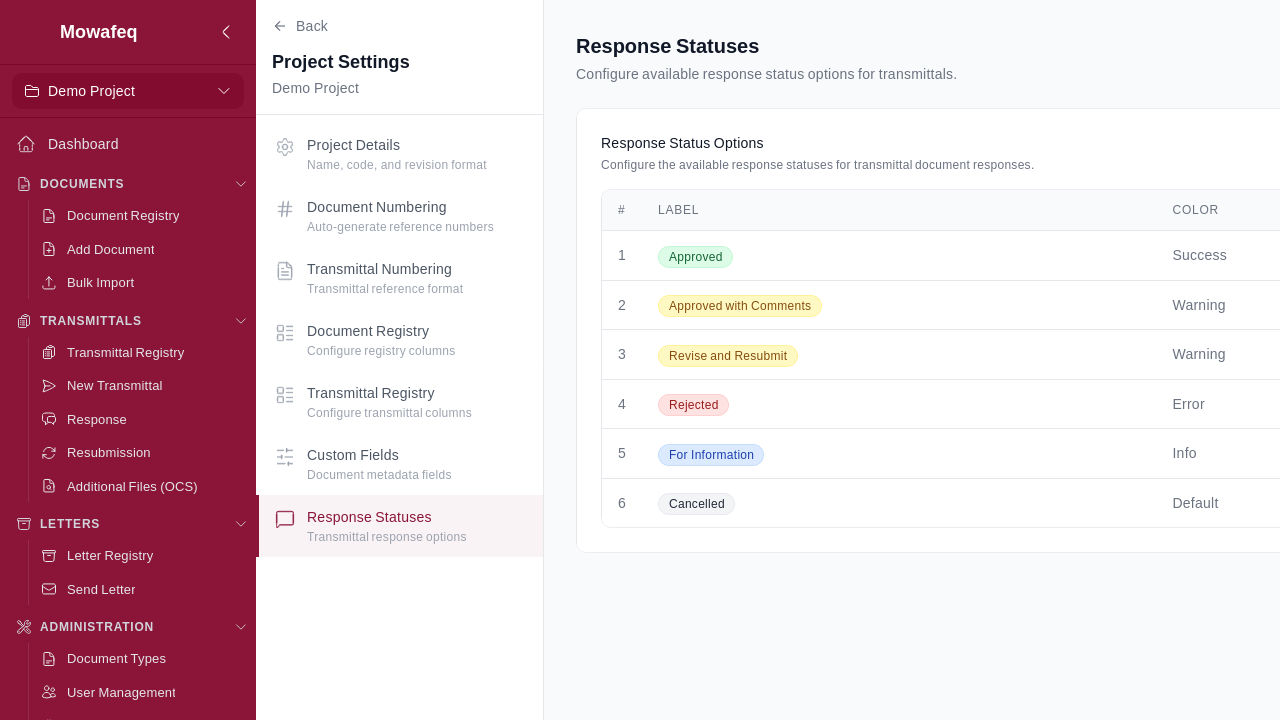
Settings: Response Statuses
Define response status options for transmittals.
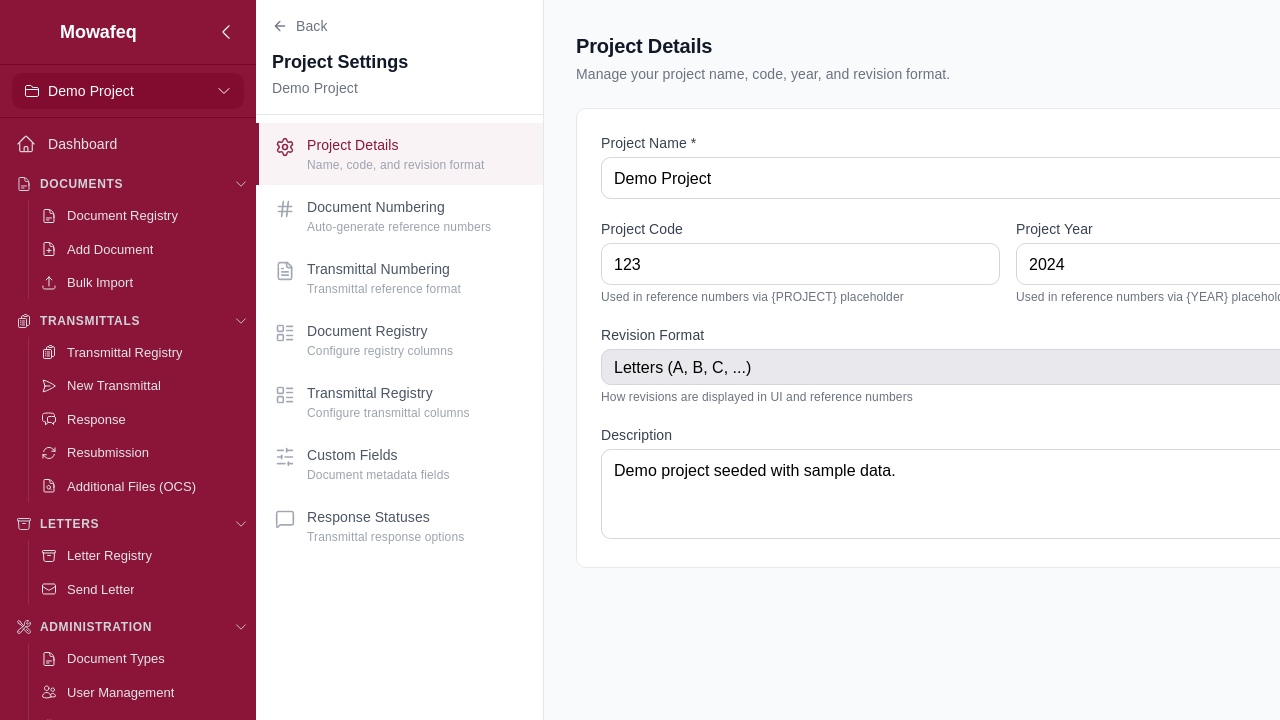
Project Details
- Edit the project name, code, year, and description.
- Set the revision format: Letter (A, B, C...) or Numeric (00, 01, 02...).
Document Numbering
- Configure the format template for auto-generated document reference numbers using placeholders.
- Set serial number padding and revision padding.
- Configure default originator and recipient companies.
- Set recipient mappings (company-to-abbreviation overrides).
- Toggle the numbering format on/off.
- Preview generated reference numbers with a live preview.
For the full list of available placeholders, see Reference Numbers.
Transmittal Numbering
- Configure the format template for auto-generated transmittal reference numbers.
- Set the prefix (default "TR") and serial padding.
- Toggle on/off with live preview.
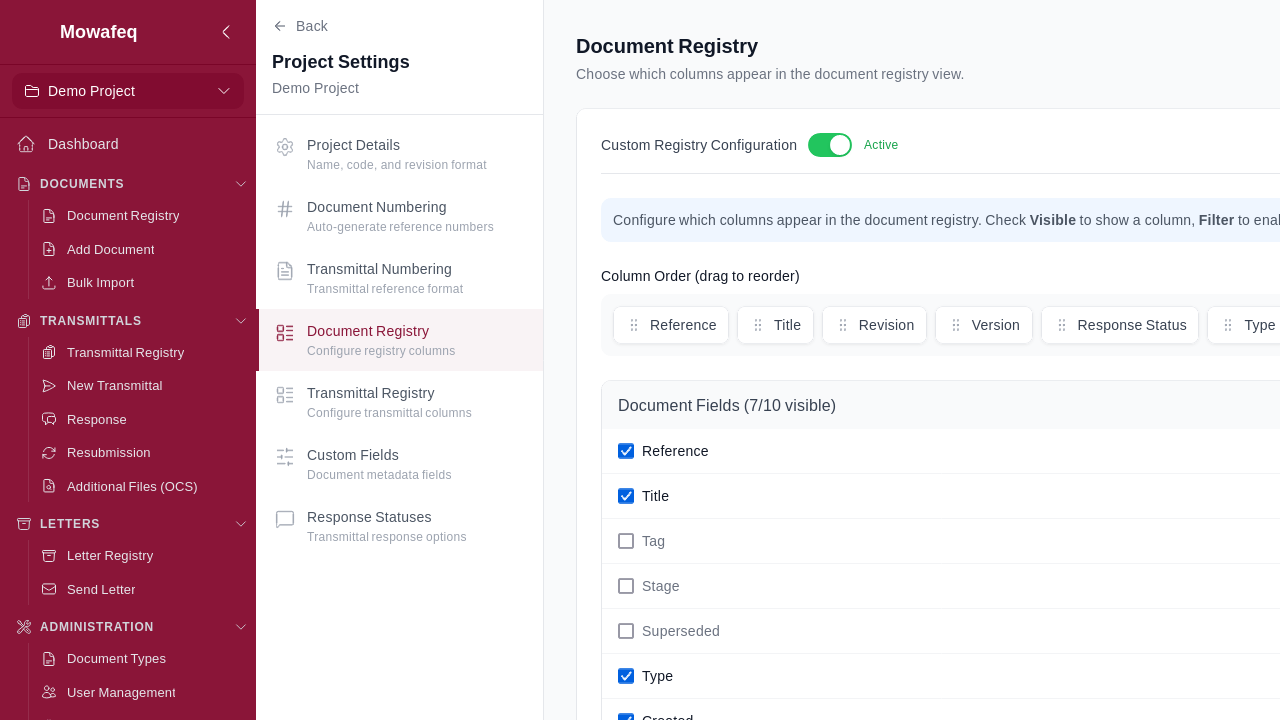
Document Registry Configuration
- Select which columns appear in the document registry and set their order.
- Toggle the custom configuration on/off (off = default columns).
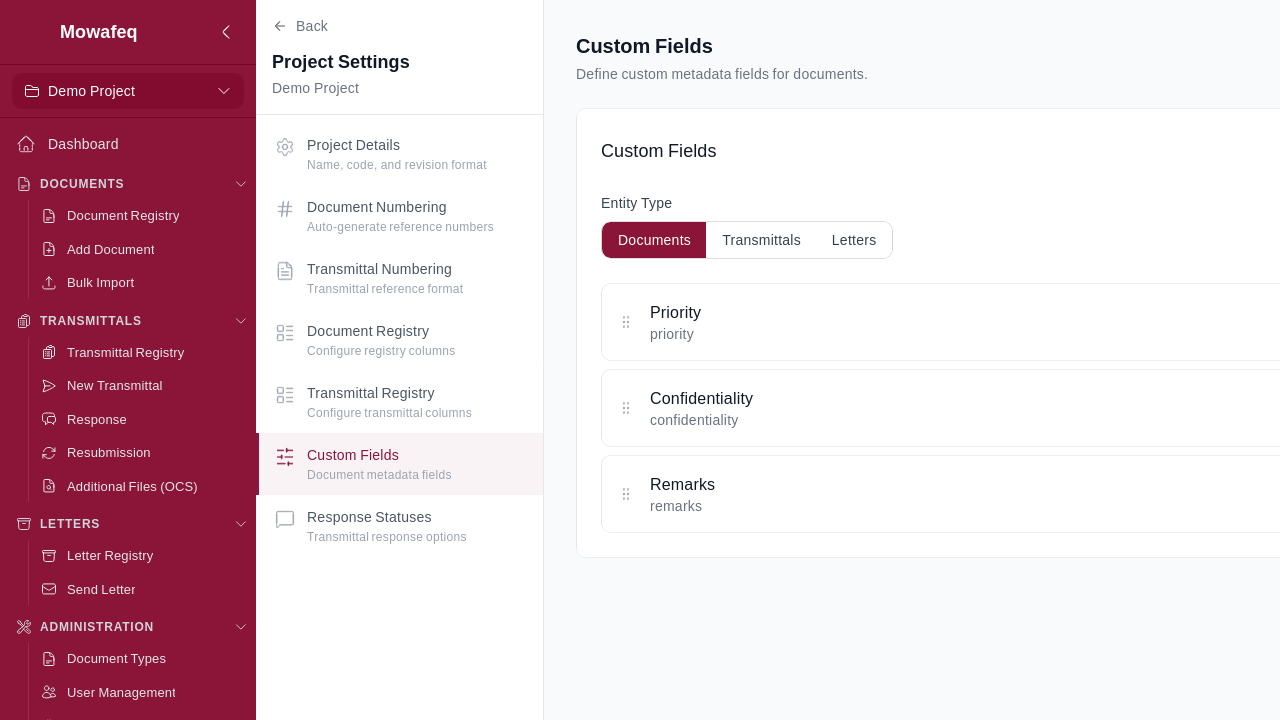
Custom Fields
- Define project-level custom metadata fields for documents, transmittals, and letters.
- Field types: Text, Number, Date, Single Select, Multi Select.
- Per field: Name, type, required/optional, display order, active/inactive, help text.
- For Select/Multi-Select: Configure options with value, label, abbreviation, and display order.
- Drag-and-drop to reorder fields.
Response Statuses
- Configure the response status options available when responding to transmittals (e.g., "Approved", "Approved with Comments", "Revise and Resubmit", "Rejected").
- Each status has a label and color.
- Create, edit, and delete statuses.