Appearance
Returning a Transmittal
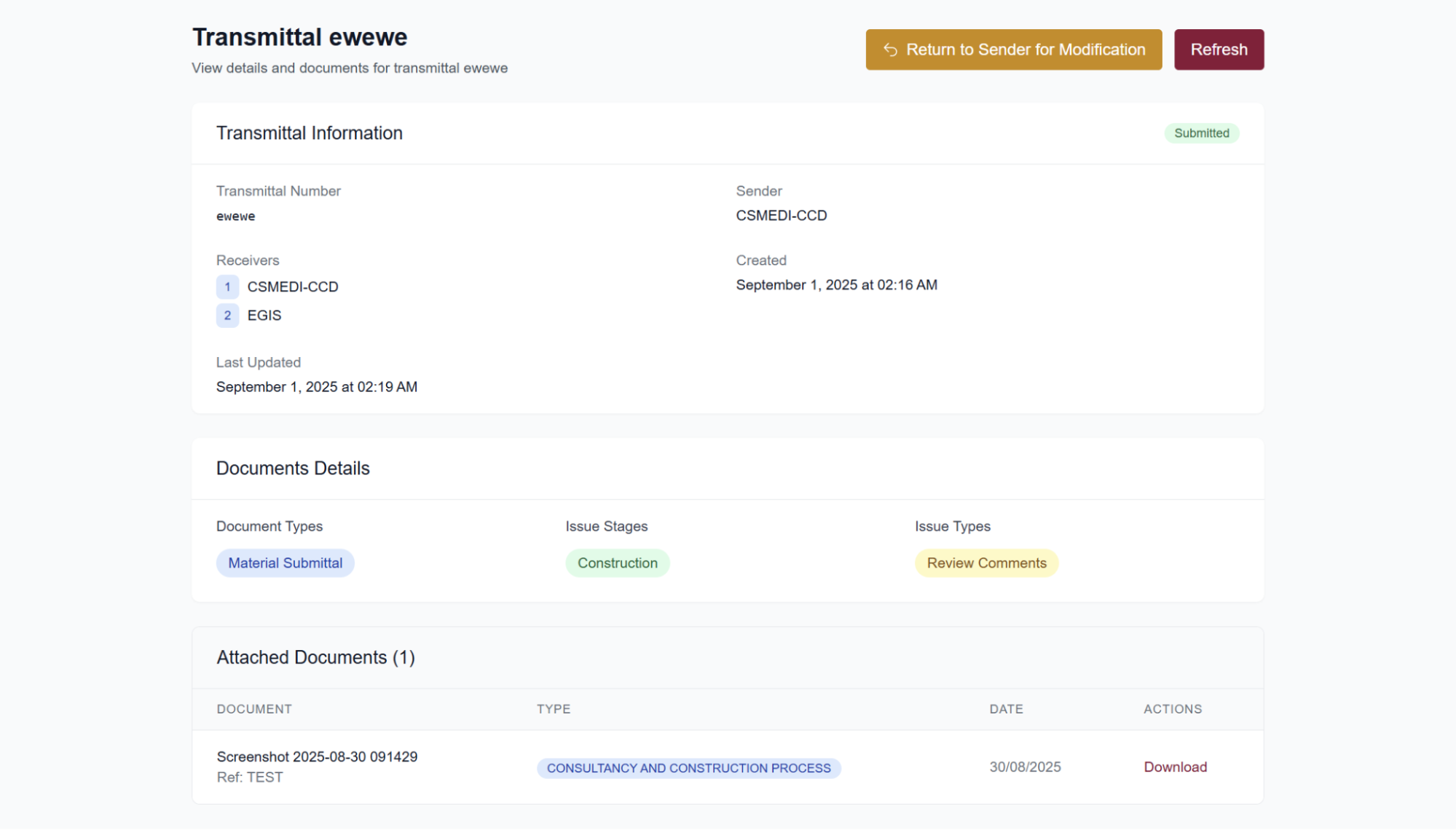
Recipients can return a transmittal to the sender for adjustments, such as adding missing documents or correcting the document type. Returning a transmittal does not reject the documents and is not considered an official response. Select Return to Sender in the upper right corner to send it back. The sender receives an email alerting them that the transmittal needs attention.