Appearance
New Transmittals
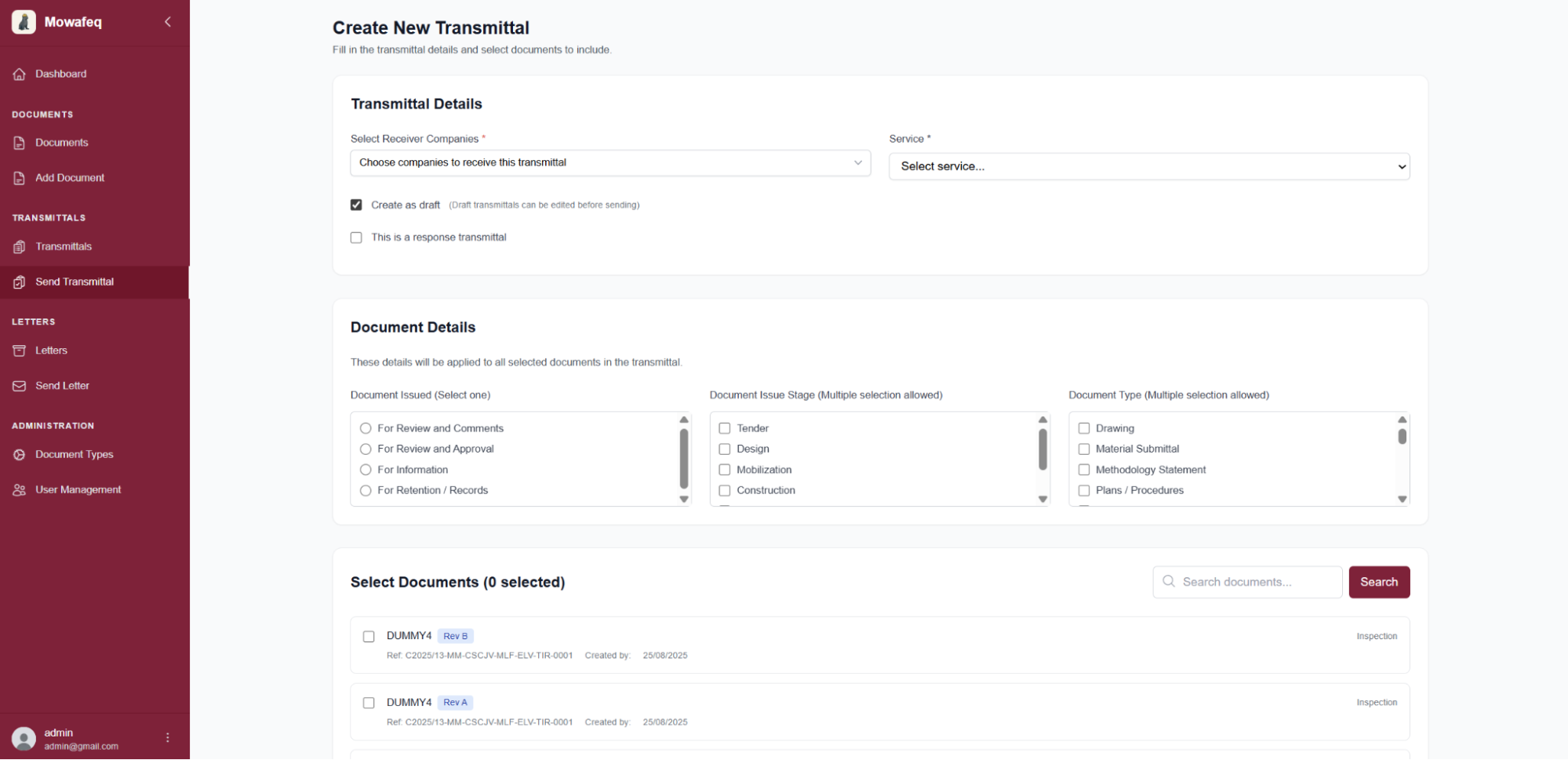
Open Send Transmittal to create a submission. Select one or more receiving companies; any recipient can enter the response. Choose the service (Contracting or Consulting). The service defaults to Contracting when the user belongs to the contractor's team.
Optional settings:
- Create as draft: Save the transmittal without sending it so you can finish later. You can still edit recipients and document details before submission.
- This is a response transmittal: Mark the current transmittal as a response. See Response Transmittals for the workflow.
Complete the Document Details section to identify the included documents, then attach the files you want to send. Only documents added through Add Document appear in the list; direct uploads are not supported.