Appearance
Creating a New Document Type
- Open Document Types.
- Select Create Document Type in the upper-right corner.
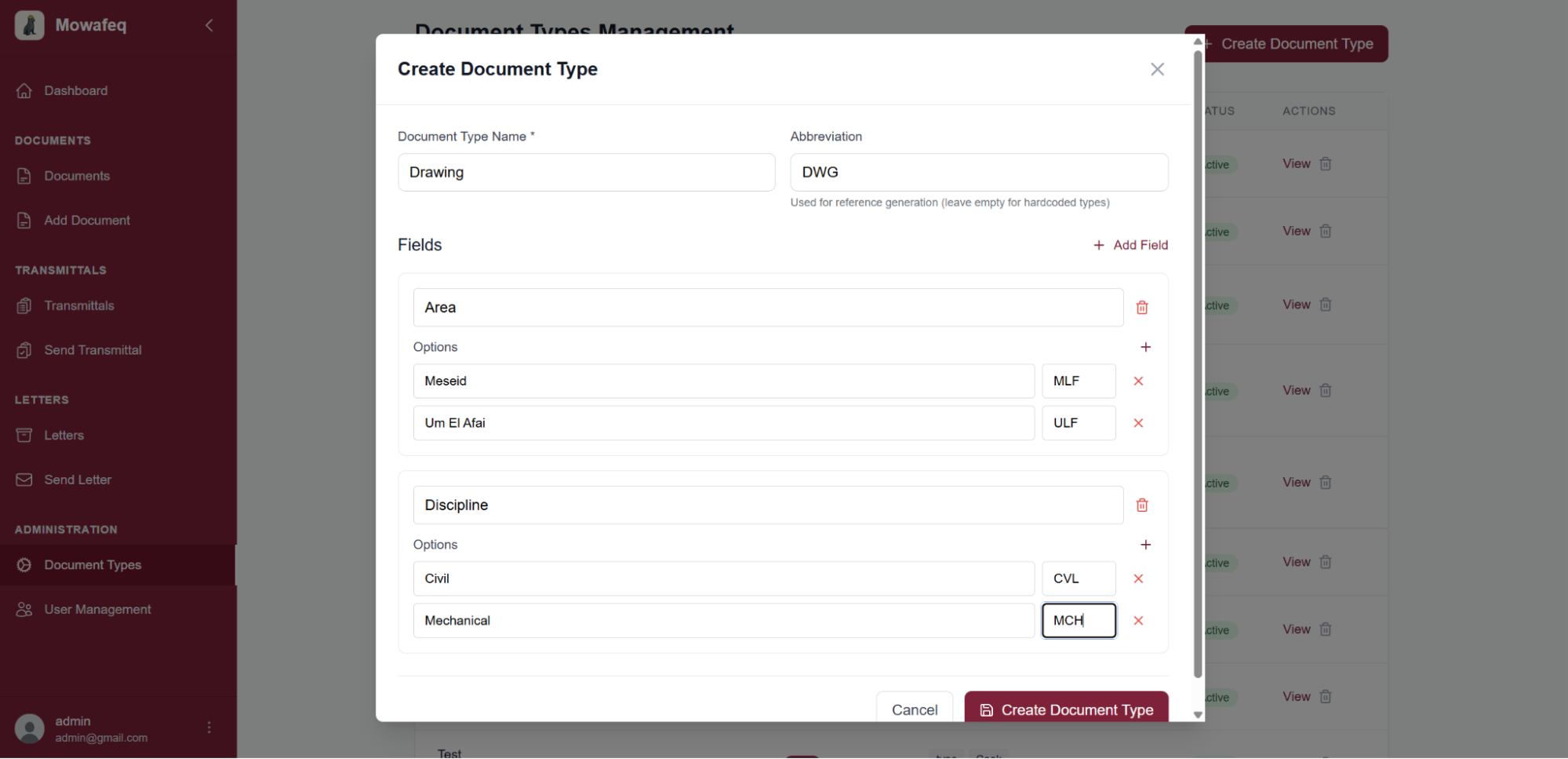
- Complete the form with the type name, fields, available options, and abbreviations.
- Save the changes to publish the new type.
Example configuration:
Type: Drawing
Fields: Area, Discipline, Drawing Type, Drawing Number
Field Options: Meseid, Um El Afaei, ...