Appearance
Platform Access
To access the platform, go to https://app.mowafeq.com and log in with your credentials. If you do not have an account, contact your company's document controller to request one.

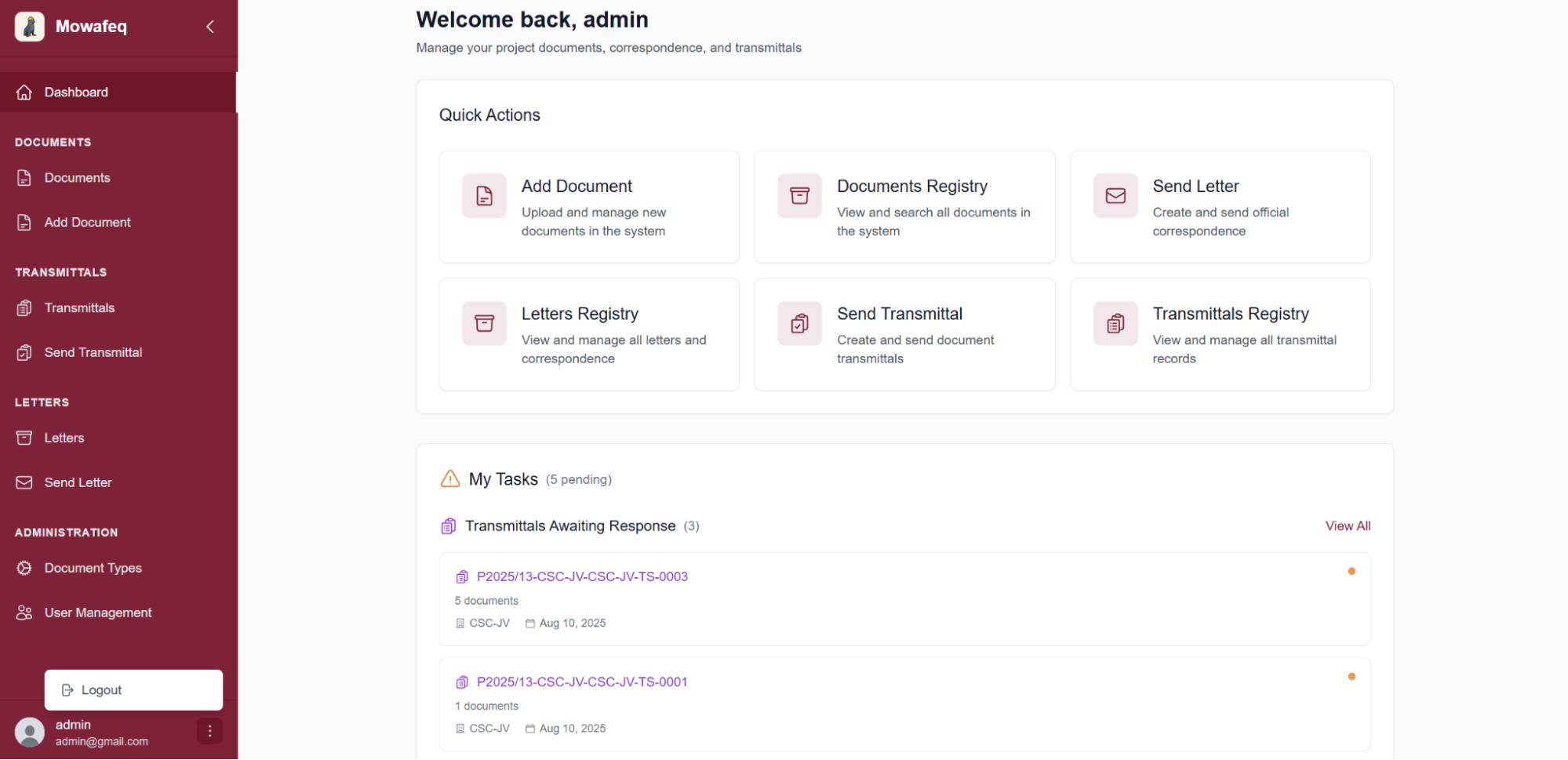
Once logged in, you can log out at any time by clicking the three dots in the lower-left corner of the interface and selecting Logout.
There are two account types on the platform:
- Viewer: View transmittals, letters, and documents that have been uploaded.
- Admin: Upload documents, send letters and transmittals, create new accounts, and define document types.